Image Positions
Move/position and re-size the images in notes
Download Image Adjusment Snippet
Note
- Might not be 100% compatible with Lithou's Image Flags snippet.
- Image grid doesn't quite work with external images
[]()as nicely as internally linked ones.
Syntax
!attribute attribute2
!sban cover hs-med

Cover (Mostly for Customizable Version)
| Attribute | Description |
|---|---|
cover |
A resized image will maintain aspect ratio and avoid stretching. |
Sizing (Mostly for Customizable Version)
| Attribute | Description |
|---|---|
loc|sban|200 |
Place the |<numbers> sizing at the end of the text and it will shrink the image to that size. |
Invert Colors
These are particularly useful for images with transparency that are illegible in dark mode.
| Attribute | Description |
|---|---|
invertb |
Invert the image's colors (dark mode). |
invertw |
Invert the image's colors (light mode). |
invertbc |
Invert colors and increase contrast (dark mode). |
invertwc |
Invert colors and increase contrast (light mode). |
Simplified Version
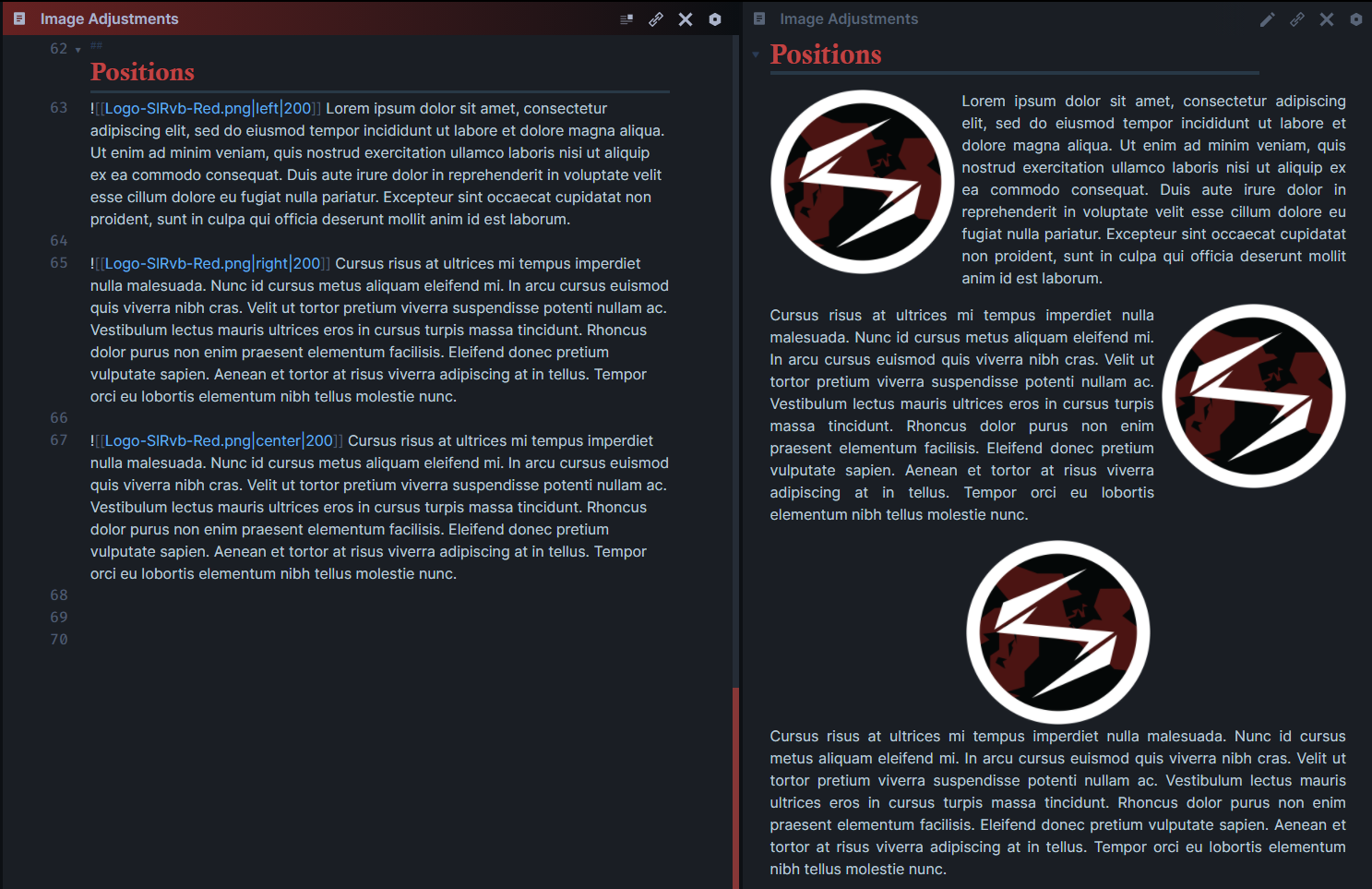
Left/Right/Center
| Attribute | Description |
|---|---|
left |
left will move the image to the left. |
right |
right will move the image to the right. |
center |
center will move the image to the center. |
 ]
]
Types
 ]
]
⚠ NOTE
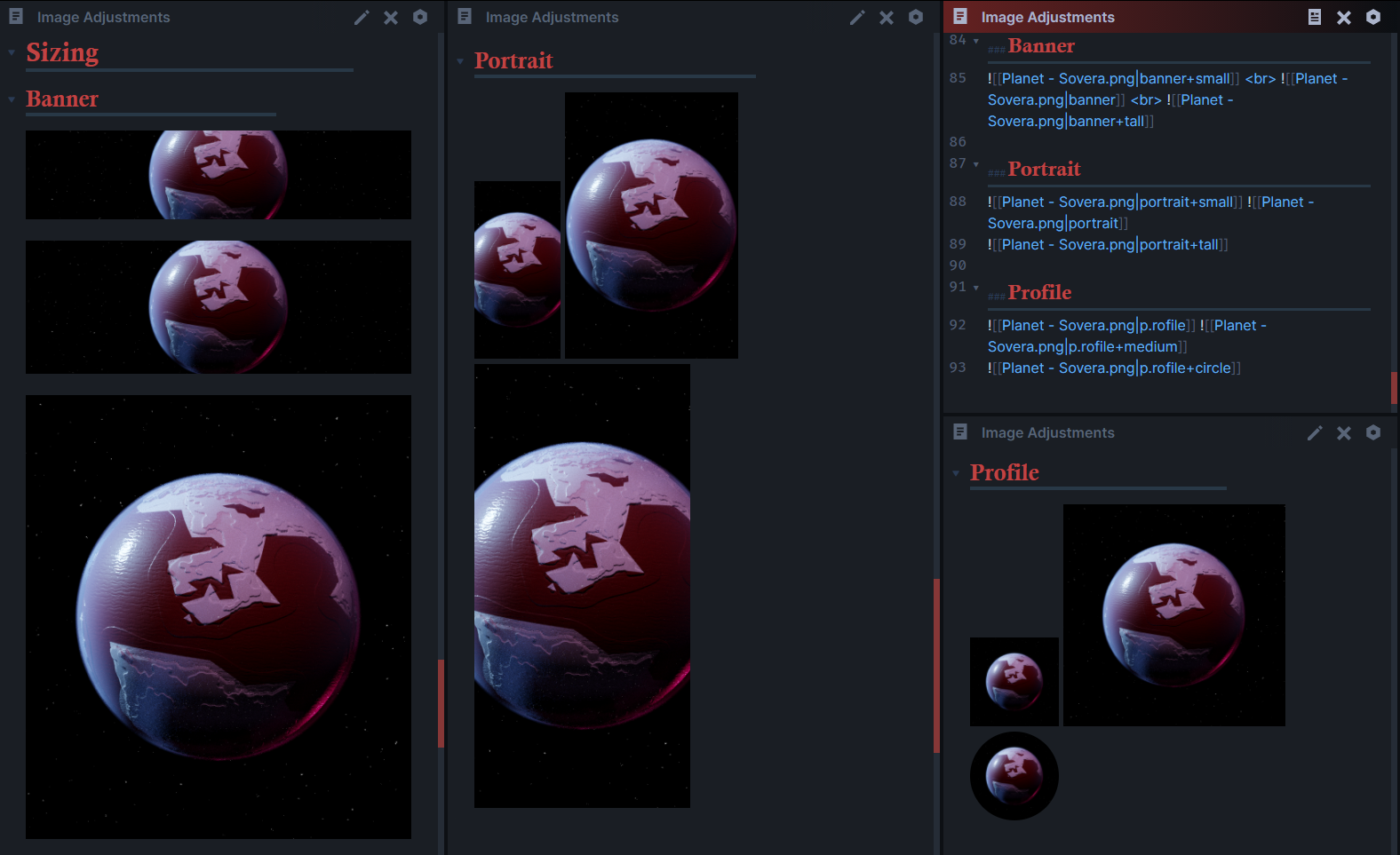
small/tall/etc only apply for these types. If you want to resize an image use either my variables or Obsidian's numbers|100
Banner
| ttribute | Description |
|---|---|
banner |
banner will crop the image height-wise to 150px while setting the width to cover the entire page. |
banner+small |
banner+small will crop the image height-wise to 100px while setting the width to cover the entire page. |
banner+tall |
banner+tall will crop the image height-wise to 500px while setting the width to cover the entire page. |
Portrait
| Attribute | Description |
|---|---|
portrait |
portrait will crop the image width-wise to 40% while setting the height to a standard of 400px. |
portrait+small |
portrait+small will crop the image width-wise to 20% while setting the height to a standard of 200px. |
portrait+tall |
portrait+tall will crop the image width-wise to 50% while setting the height to a standard of 500px. |
Profile
| Attribute | Description |
|---|---|
profile |
profile will round the borders of the image to create a round image and size it to 100px. |
profile+medium |
profile+medium will round the borders of the image to create a round image and resize it to 250px. |
Customizable Version
Left/Right
| Attribute | Description |
|---|---|
locl |
Move the image to the left. |
locr |
Move the image to the right. |
ctr |
Move image to the center. |
Inner Image Position
 ]
]
| Attribute | Description |
|---|---|
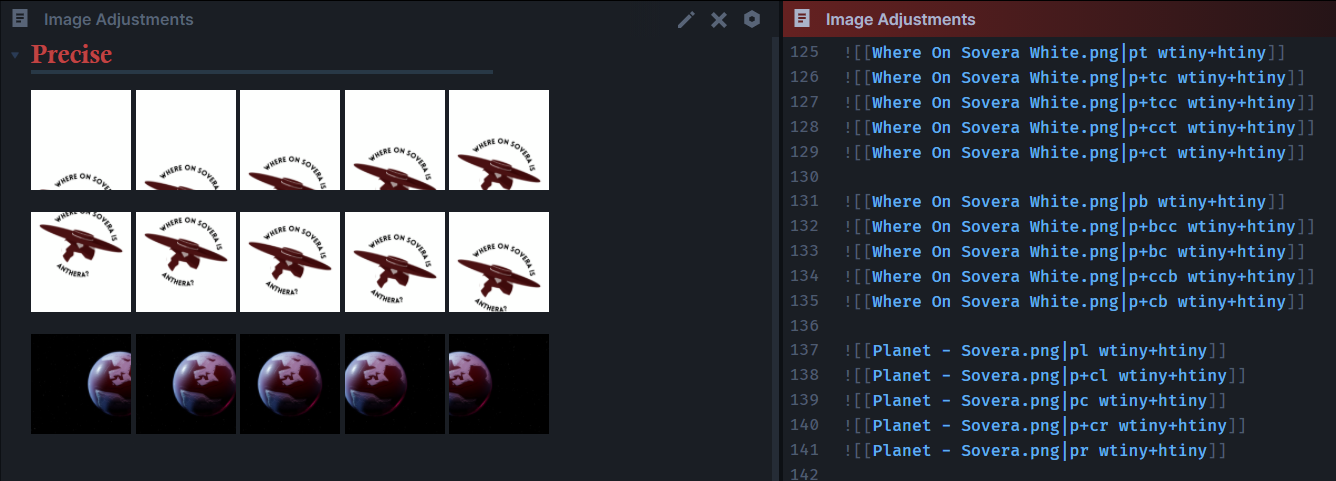
p+l |
Move inside of the image to the left. |
p+r |
Move inside of the image to the right. |
p+t |
Move inside of the image to the top. |
p+b |
Move inside of the image to the bottom. |
p+c |
Move inside of the image to the center. |
These will inch the images around if the above syntax isn't enough.
| Attribute | Description |
|---|---|
p+cr |
Move the inside of the image to the center right. |
p+cl |
Move the inside of the image to the center left. |
p+ct |
Move the inside of the image to the center top of the image. |
p+cct |
Move the inside of the image to the center top, slightly higher than p+ct |
p+tc |
Move the inside of the image to the center top, slightly lower than pt |
p+tcc |
Move the inside of the image to the center top, slightly lower than p+tc |
p+cb |
Move the inside of the image to the center bottom of the image. |
p+ccb |
Move the inside of the image to the center bottom, slightly lower than p+cb |
p+bc |
Move the inside of the image to the center bottom, slightly higher than pb |
p+bcc |
Move the inside of the image to the center bottom, slightly higher than p+bc |
Sizing
| Attribute | Resize to |
|---|---|
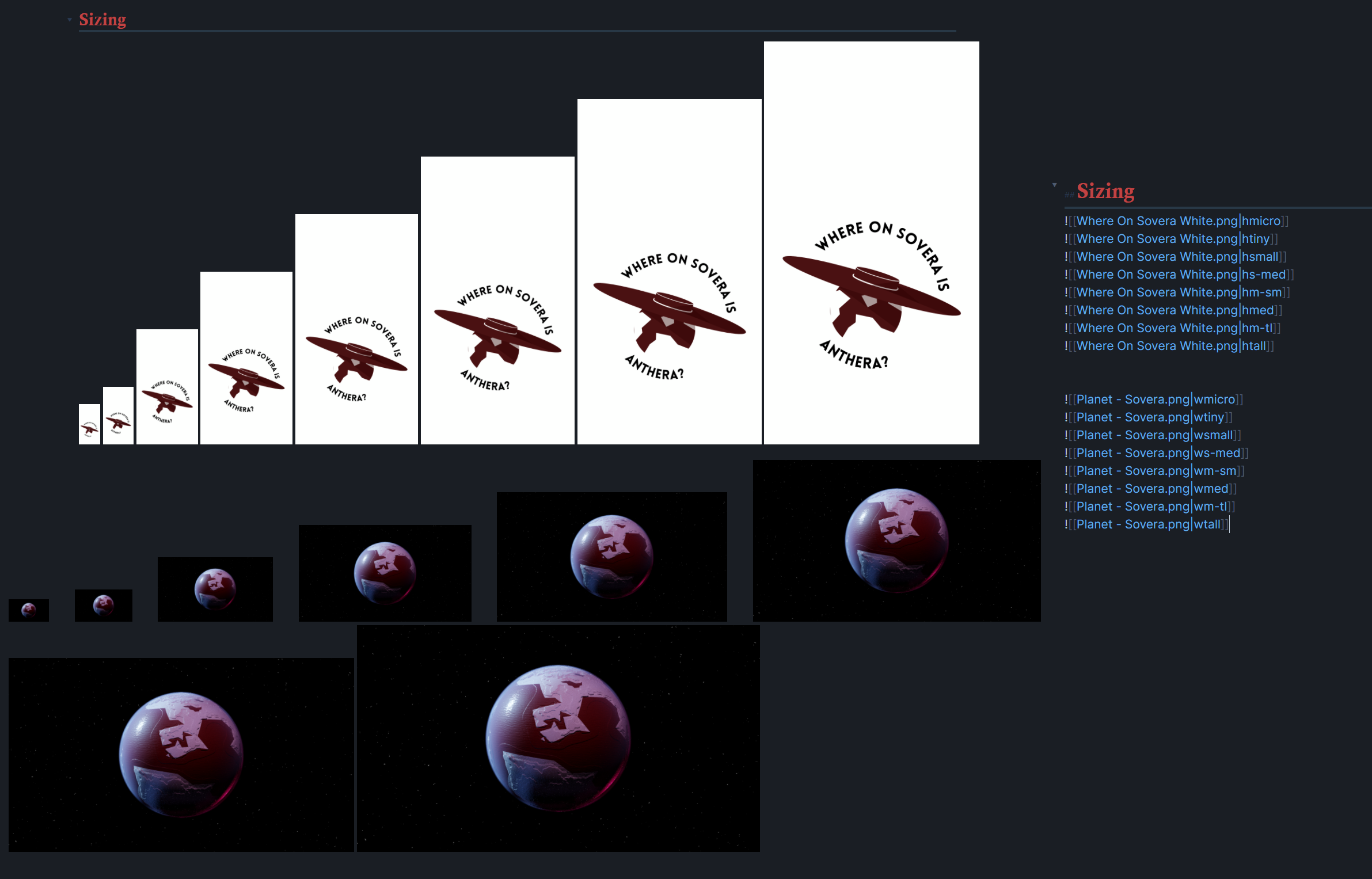
htiny |
100px in height. |
hsmall |
200px in height. |
hs-med |
300px in height. |
hm-sm |
400px in height. |
hmed |
500px in height. |
hm-tl |
600px in height. |
htall |
700px in height. |
hfull |
Expand to the full height of the image or line |
wtiny |
100px in width. |
wsmall |
200px in width. |
ws-med |
300px in width. |
wm-sm |
400px in width. |
wmed |
500px in width. |
wm-tl |
600px in width. |
wtall |
700px in width. |
wfull |
Expand to the full height of the image or line |
Rotation
| Attributes | Rotation |
|---|---|
| r+r | 90 to the right |
| r+l | -90 to the left |
| r+180 | Flip image upside down |